What Is Putt for Promotion?
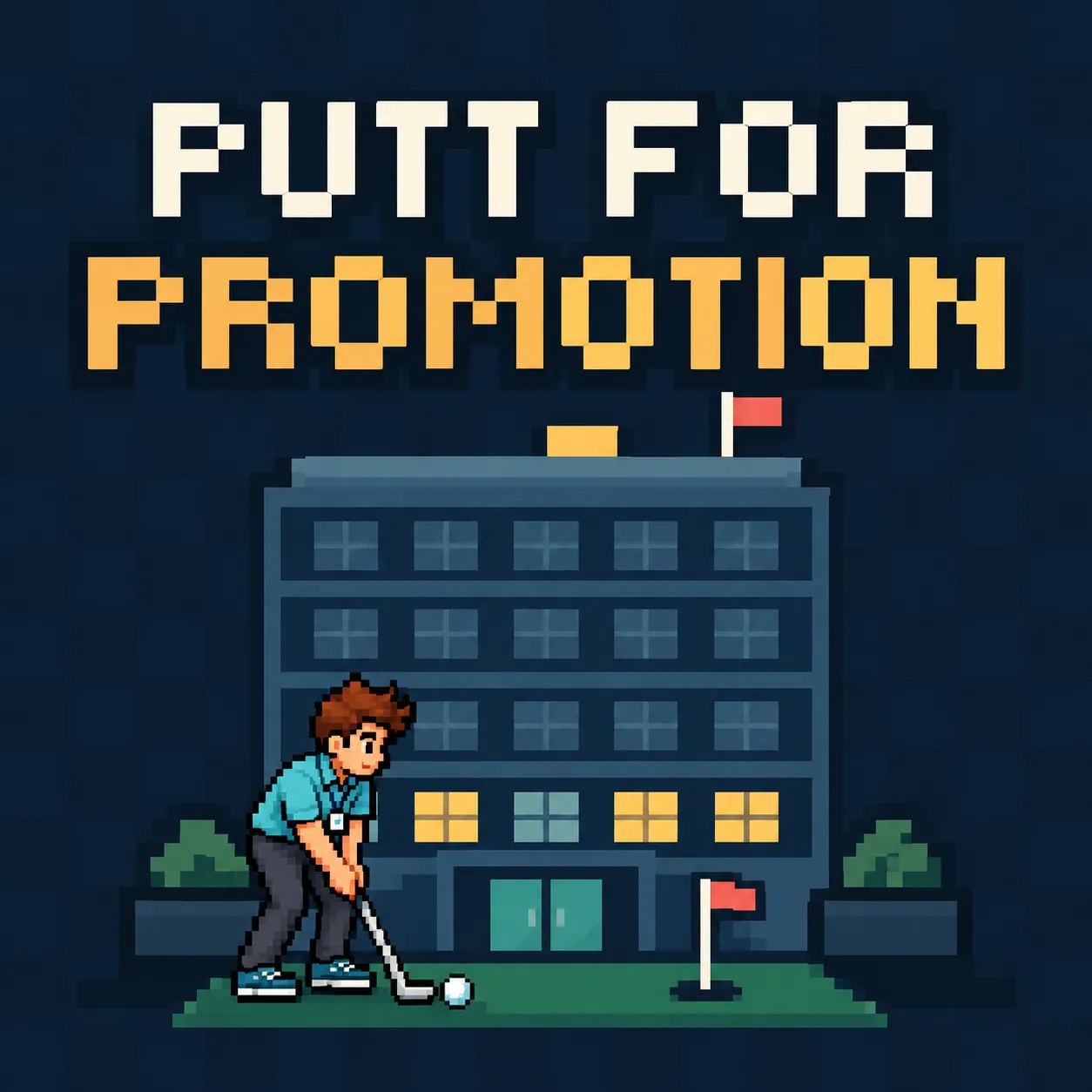
Putt for Promotion is a single-player browser mini-golf adventure developed by ClockOutArcade. Instead of playing on a traditional golf course, you navigate an increasingly ridiculous corporate office where successful putting can lead to unexpected career advancement.
The story follows Jamie Reed, an office worker whose ordinary morning changes when he starts turning his workplace into a miniature golf course. Rather than reprimanding him, his manager rewards his putting skills with a promotion. What begins as an unusual office distraction quickly becomes a journey through departments, performance reviews, and corporate chaos.
The game combines accessible aim-and-shoot golf mechanics with environmental puzzles, workplace comedy, and an illustrated storyline. Its challenges require more than simply hitting a ball toward a hole: players must consider furniture, obstacles, timing, and the strength of each shot.
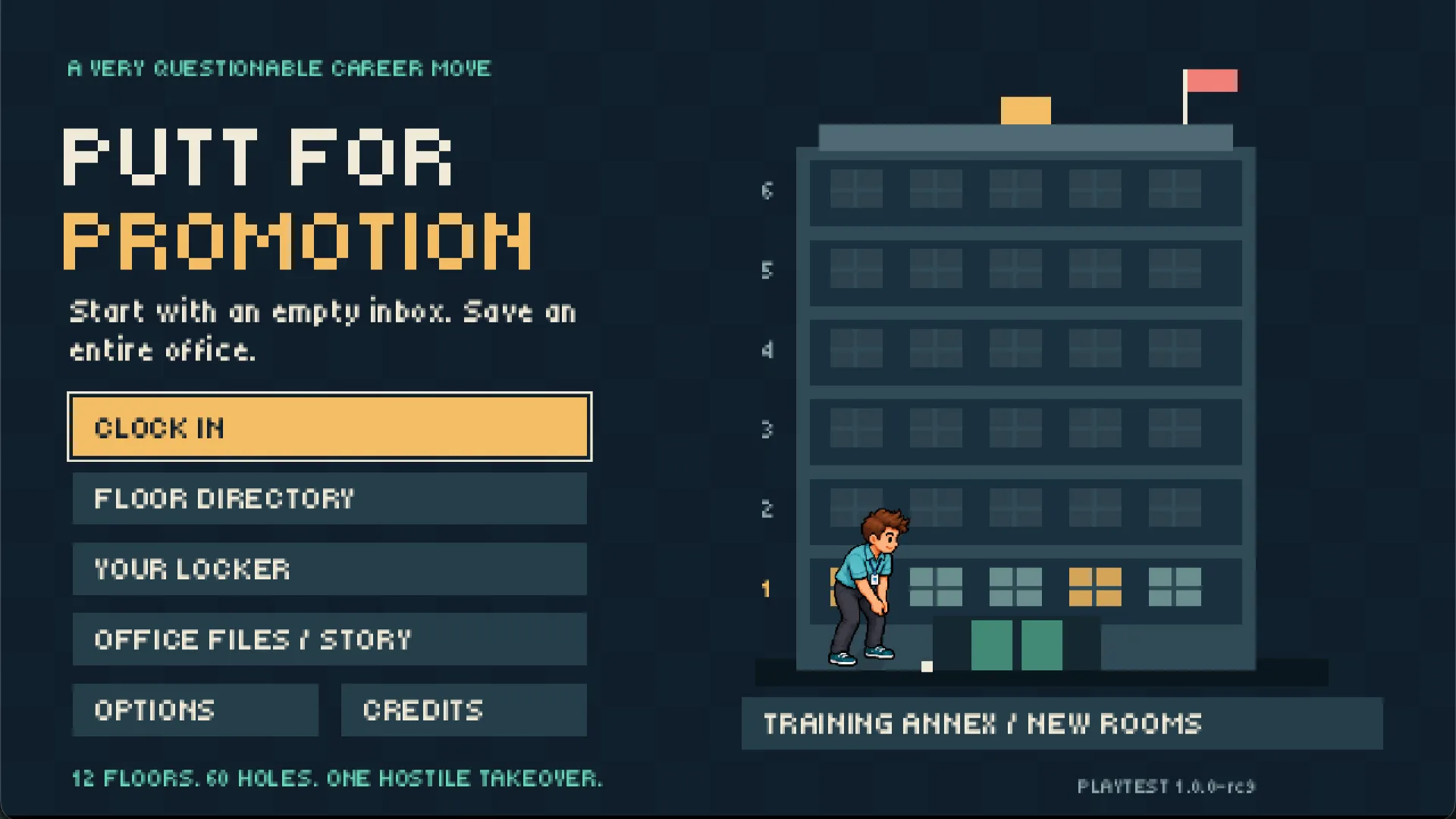
The browser playtest includes 60 campaign holes across 12 departments, two story chapters, and six additional Training Annex rooms.
Putt for Promotion Rules and Core Mechanics
The objective is to guide your golf ball into the hole by choosing the right direction and controlling your putting power.
1. Aim Your Shot
Position your aim toward the hole or a useful intermediate target. Office furniture and other barriers can make a direct route impractical, so some holes reward careful positioning and indirect shots.
2. Time the Power Meter
Holding the shot control activates an oscillating power meter. The meter rises and falls while you charge your putt, requiring you to release at the desired strength.
A stronger shot is not automatically better. Too much power can send the ball past a useful opening, while insufficient power might leave it short of the intended destination.
3. Navigate Office Obstacles
The courses feature interactive hazards and unusual surfaces, including:
- Office desks and furniture that obstruct direct shots.
- Mail tubes that create unconventional routes.
- Security shutters that complicate navigation.
- Slippery surfaces that affect ball movement.
- Boost pads that can change the outcome of a shot.
Learning how these elements influence movement is an important part of solving each hole.
4. Advance Through the Campaign
The campaign features 60 holes spread across 12 departments, with 12 boss reviews and two story chapters. The second chapter, Hostile Takeover, continues the workplace adventure with a new corporate conflict.
Players can pursue medals and better personal scores while progressing through the office. Four clubs, five ball types, and 14 outfits are available to unlock.
How to Play Putt for Promotion
Step 1: Open the Game
Visit the official Putt for Promotion itch.io page and launch the browser game. A desktop browser with a mouse and keyboard is recommended.
Start the campaign to follow Jamie Reed's office adventure, or select Training Annex / New Rooms to explore the additional practice challenges.
Step 2: Inspect the Course
Before taking your first shot, identify the hole, nearby furniture, and possible routes. Check for obstacles or special surfaces that could affect the ball.
For example, imagine a desk blocking the direct path between your ball and the hole. Instead of forcing a straight shot, consider whether a route around the desk offers a safer approach.
Step 3: Choose Your Direction
Move your mouse to aim. Alternatively, use A/D or the left and right arrow keys to adjust your aim with the keyboard.
Choose a direction that gives your ball enough space to travel toward the next useful position.
Step 4: Charge and Release
Hold the left mouse button or Space to activate the power meter. Watch the meter oscillate, then release when it reaches the strength you want.
For a short approach around furniture, a controlled putt may be preferable to a powerful strike. Longer routes or specific obstacles may call for more power.
The optional Power-confirm setting provides an alternative for players who prefer more deliberate power selection.
Step 5: Complete the Hole and Continue
Watch where the ball travels and adjust your next shot based on its position. Continue until the ball reaches the hole.
As you progress, the campaign introduces different office layouts, story scenes, and boss reviews. You can replay holes to improve your results or experiment with different equipment.
Game Controls
| Action | Mouse or Keyboard |
|---|---|
| Aim | Move mouse, A/D, or Left/Right arrows |
| Charge and putt | Hold left mouse button or Space, then release |
| Change club | Q / E |
| Change ball | B |
| Retry current hole | R |
| Pause | Escape |
| Advance story | Enter |
| Revisit previous story screen | Left arrow |
| Skip story | Escape |
Controller support is also included. Use the left stick to aim, hold and release A to putt, LB/RB to change clubs, Y to change balls, and Start to pause. Controller compatibility may vary between devices.
The Training Annex: Six Extra Challenges
Beyond the main campaign, Putt for Promotion includes a separate Training Annex containing six additional rooms.
These challenges introduce distinctive situations, including longer layouts, an L-shaped office, breakable glass shortcuts, and a coworker moving across the course.
One particularly unusual room features a keyboard challenge where players must spell HELP by striking the appropriate keys with golf balls.
The Training Annex provides an opportunity to practice precise aiming and experiment with the game's obstacle mechanics without relying on campaign progression.
Annex progress is tracked separately from the main story. Players can press Tab to open the room map and Enter to skip a room preview.
Putt for Promotion Strategy and Tips
Plan Your Route Before Putting
The shortest geometric path is not necessarily the easiest. Furniture and unusual surfaces can make a slightly longer route more reliable. Identify safe landing positions before committing to a powerful shot.
Use Controlled Power
The oscillating power meter is central to the challenge. Watch its movement carefully and avoid releasing automatically at maximum strength. Short, accurate shots can be more useful than powerful attempts that overshoot the target.
Learn Each Obstacle
Pay attention to mail tubes, shutters, boost pads, and slippery areas. Different environmental features can change how the ball travels, so understanding their behavior helps when planning subsequent shots.
Experiment With Equipment
The campaign includes unlockable clubs and ball types. Try different available combinations when a course proves difficult, but avoid assuming that one setup will be best for every situation.
Retry Difficult Holes
Press R to restart the current hole. Replaying a challenging layout is a practical way to experiment with different angles and power levels while working toward a better score.
Adjust Accessibility Options
The game offers an aim guide, Power-confirm controls, relaxed boss limits, reduced motion, and separate audio settings. These options can make the experience more comfortable when timing or visual movement becomes distracting.
Is Putt for Promotion Free to Play?
Putt for Promotion is available as a free-to-play HTML5 browser game on itch.io. The published release is a browser playtest rather than a finalized commercial launch.
The RC9 playtest includes the complete two-chapter campaign and six-room Training Annex. It is primarily designed for desktop browsers; mobile touch controls are not supported in this release.
Progress is saved locally in your browser. Returning through the same browser and itch.io page should preserve your progress when local storage is available. Clearing browser data or using private browsing can prevent progress from being retained.
Who Should Play Putt for Promotion?
Putt for Promotion is worth trying if you enjoy mini-golf, physics-based puzzles, lighthearted storytelling, or games built around unusual environments.
Its office setting gives familiar golf mechanics a playful twist, while the campaign structure offers considerably more content than a single short putting challenge. Players who like improving their personal scores can revisit holes for medals and better results.
It is less suitable for someone looking specifically for a daily trivia puzzle, competitive multiplayer golf, or a touch-first mobile game. The main attraction is a single-player campaign combining putting challenges with workplace comedy.
Conclusion
Putt for Promotion turns ordinary office life into an absurd mini-golf adventure where a carefully timed shot can be more valuable than another day of paperwork.
With 60 campaign holes, memorable workplace obstacles, illustrated story scenes, equipment unlocks, and six extra Training Annex challenges, it offers a varied experience for players who enjoy casual golf and environmental puzzles.
Ready to climb the corporate ladder with a golf ball? Play Putt for Promotion in your browser and see how far your putting skills can take you.