What Is GameGuessr?
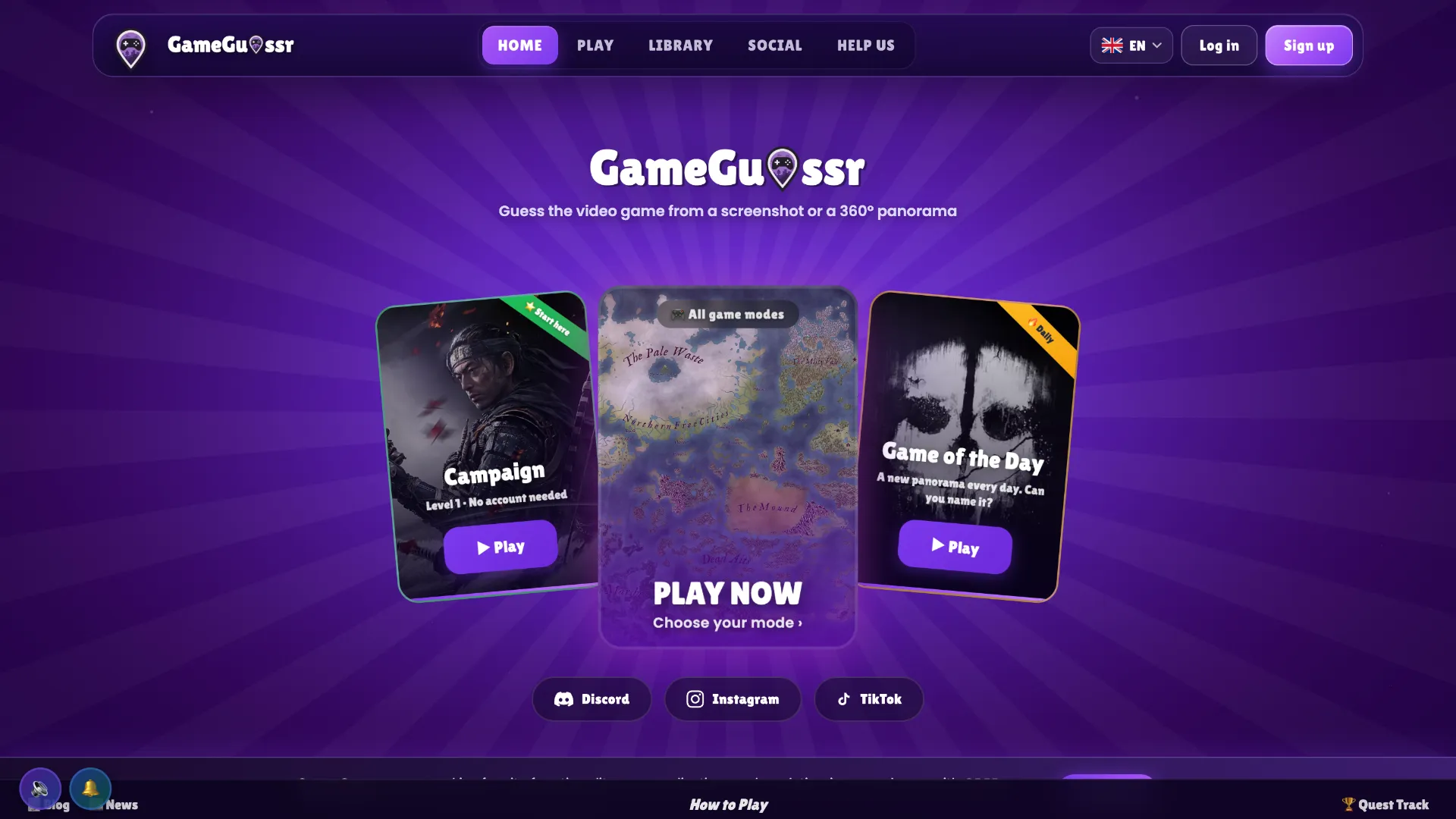
GameGuessr is a browser-based guess-the-video-game quiz built around visual recognition. Instead of answering traditional trivia questions, players are shown material taken from games—most notably screenshots and interactive 360° panoramas—and must identify the title. The platform says its library covers more than 1,000 games and offers multiple solo and competitive modes.
The main appeal is variety. One round may test whether you recognize a game's art style or environment from a screenshot, while GeoGamer lets you explore a panoramic scene and then asks you to identify both the game and the location inside its map. Other modes include Campaign, Survival, TimeGuessr, EmojiGuessr, multiplayer, weekly challenges, and a daily game.
What Is the Core Twist?
GameGuessr goes beyond a simple screenshot quiz by changing what kind of gaming knowledge each mode tests.
In the standard screenshot-based challenges, the important clues might be a HUD, character design, enemy, environment, lighting style, or recognizable piece of level architecture. Type the game's name and use the suggestion list to submit the answer.
GeoGamer is the most distinctive variation. It places you inside a 360° panorama captured from a video game world. You can examine the surroundings, work out which game you are seeing, and then place a marker on that game's map to estimate the panorama's exact location.
There are also modes that change the clues completely. TimeGuessr asks players to sort six game covers by release year, while EmojiGuessr represents games through progressively revealed emoji clues.
How to Play GameGuessr
- Choose a mode. New players can start with the Campaign, while the mode selection also includes options such as GeoGamer, Survival, TimeGuessr, EmojiGuessr, multiplayer, and daily challenges.
- Inspect the clue. Depending on the mode, study a screenshot, move around a 360° panorama, examine a game map, look at cover art, or interpret emoji clues.
- Identify the game. Use visual details such as characters, interface elements, art direction, environments, architecture, or familiar locations to narrow down the title and submit your answer.
- Complete the extra challenge when required. In GeoGamer, identifying the game is only part of the round—you also place a marker on its in-game map to show where you think the panorama was captured.
- Build your score. Continue through rounds, campaign levels, daily challenges, or multiplayer matches and compare your performance through scores, progression, and leaderboards.
GameGuessr Strategy Tips
Look for UI before scenery. Health bars, minimaps, fonts, inventory icons, dialogue boxes, and crosshairs can identify a game much faster than a generic forest or city scene.
Think in franchises first. If a screenshot clearly resembles a series such as Assassin's Creed, Fallout, Zelda, or Grand Theft Auto but the exact entry is unclear, compare the era, graphics, characters, and setting before committing to a title.
Use geography in GeoGamer. Coastlines, mountain silhouettes, roads, rivers, city walls, and major landmarks are especially valuable because they can help with both identifying the game and placing the location marker.
Learn visual generations. Graphics technology can narrow down the release period. Texture quality, lighting, character models, UI conventions, and aspect ratio can help distinguish older entries in a franchise from newer ones.
Do not rely only on blockbuster games. GameGuessr draws from a large game library, so broad familiarity with indie titles, older releases, different genres, and multiple platforms is useful.
Who Should Play GameGuessr?
GameGuessr is a strong fit for players who enjoy gaming trivia but prefer visual deduction over question-and-answer quizzes. The screenshot modes are easy to understand immediately, while the 360° GeoGamer challenges add a deeper layer for players who remember the layouts of virtual worlds.
It is also more varied than a single daily guessing game: players can work through campaign levels, practice different clue formats, compete in multiplayer, or return for recurring daily and weekly challenges.