What is Tiny Emulators?
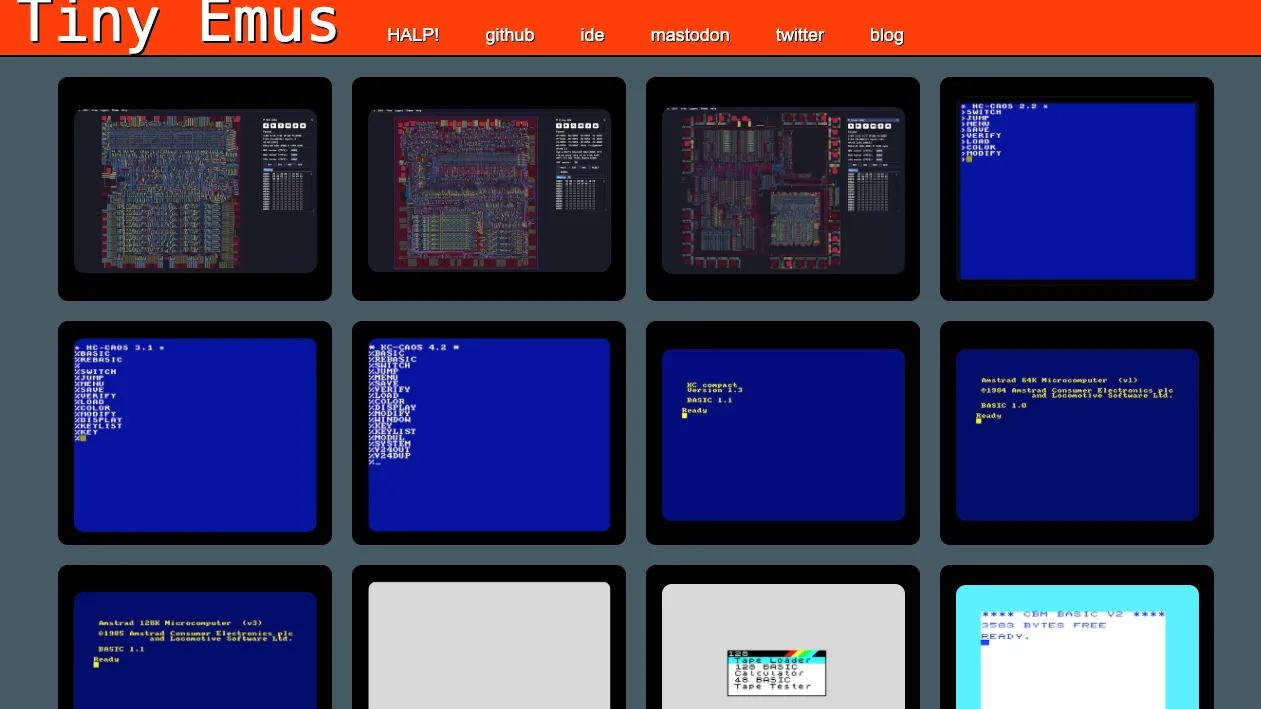
Tiny Emulators is not one game—it is a doorway into an entire maze of 8-bit machines. Choose a system or preloaded title and your browser transforms into a Commodore 64, ZX Spectrum, Amstrad CPC, KC85, Acorn Atom, or another piece of computing history.
The challenge begins before the first enemy appears. Retro games rarely explain themselves, start buttons may be hidden behind authentic loading screens, and every machine has its own habits. That friction is part of the charm: each launch feels like waking up an ancient arcade cabinet and discovering what still lives inside.
Tiny Emulators Game Rules (The Catch / The Trap)
Tiny Emulators does not impose one universal rule set because every included game behaves differently. The portal instead gives you a collection of emulated systems and leaves you to survive each original game's mechanics.
Typical browser controls
← ↑ ↓ →— Move or control directionSpace— Jump, fire, select, or continue1— Often inserts a virtual arcade coin or starts a gameEnter— Confirms a menu choice or begins certain arcade titles
The catch: a game may appear frozen when it is actually waiting for an old-school command. You may need to press Space, 1, Enter, choose a joystick mode, or follow a title-specific instruction shown near the game. Audio may also remain LOCKED until your first click or key press.
Loading feedback: Some emulator versions can accept compatible local game files through drag and drop. A successful load starts the selected program, while an unsupported file may be rejected. Compatible formats depend on the machine being emulated.
How To Play Tiny Emulators?
Choose your machine or mission
- Player Action: Select a preloaded game or open a standalone C64, CPC, ZX Spectrum, or other emulator.
- Game Response: The emulated machine boots inside the browser.
- What You Learn: Any instruction shown near the game may be part of the launch sequence.
Wake up the machine
- Player Action: Click the screen or press a key to activate sound and keyboard input.
- Game Response: Music begins and the intro screen becomes responsive.
- Next Clue: Look for prompts such as
PRESS SPACE, joystick selection, or a flashing start message.
Start an arcade run
- Player Action: Press
1if the game expects a virtual coin, then useEnteror the displayed start control. - Game Response: The attract screen disappears and the first stage loads.
- What This Means: You have crossed the real first boss—the authentic arcade startup ritual.
- Player Action: Press
Take control
- Player Action: Use the arrow keys to move and test
Spacefor the main action. - Game Response: Your character reacts using the original game's movement, timing, lives, and scoring system.
- Next Constraint: Controls vary between games, so experiment when a title ignores the standard layout.
- Player Action: Use the arrow keys to move and test
Tiny Emulators Strategy & Tips
- Start with titles that display clear launch instructions.
- Try
Space,1, andEnterbefore assuming a game has failed to load. - When a ZX Spectrum game asks for a control method, try a supported joystick option such as Kempston.
- Use an emulator version with a visible interface when loading files or changing controls.
- Expect authentic difficulty. Many games preserve limited lives, unforgiving collisions, and minimal tutorials from their original releases.