What Is my9games? A Quick Guide to the 3×3 Game Identity Grid
Learn what my9games is, how to make a 3×3 game grid, tips for picking titles, and whether it is worth trying.
Quick Answer
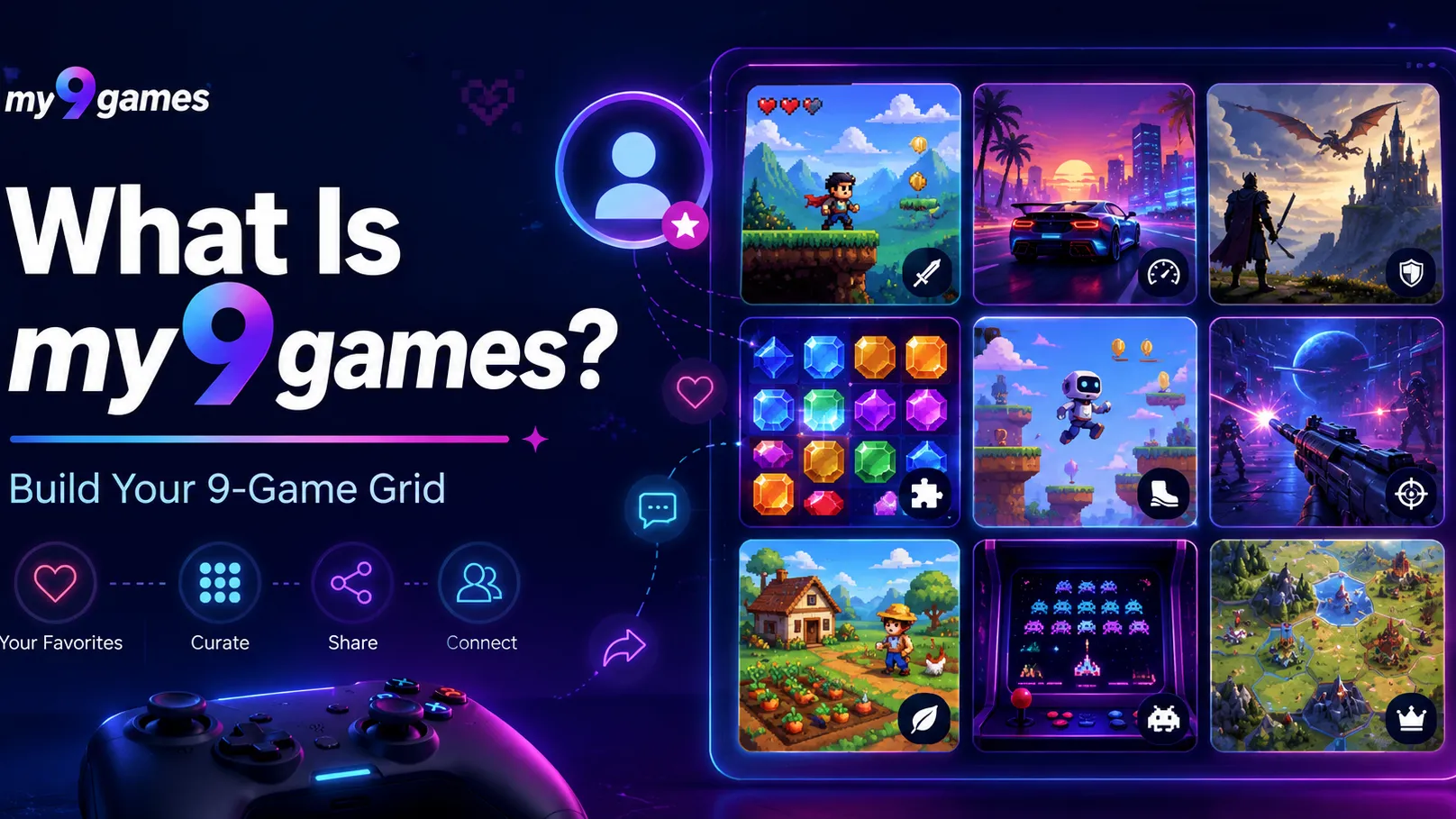
my9games is a free browser-based sharing tool where players choose nine games that define them, arrange them in a 3×3 grid, and share the finished page with others. It is not a traditional puzzle game with scores or levels. Instead, it plays like a personal gaming profile challenge: pick the titles that best represent your taste, memories, and identity as a player.
The appeal comes from the simple question: which nine games would you use to explain who you are?
What Is It?
my9games is built around a social, personality-style game format. Instead of guessing words, solving clues, or beating stages, players create a compact visual list of their most meaningful games.
The core format is simple:
- Search for games from a large game database.
- Pick nine titles that matter to you.
- Place them in a 3×3 grid.
- Add short notes explaining why each game belongs there.
- Share the result as a permanent page or social post.
That makes my9games closer to a gaming identity card than a conventional browser game. It is especially popular because the format is easy to understand, highly shareable, and surprisingly hard once you start narrowing your list down to only nine.
How To Play
my9games does not require complex rules. The challenge is mainly about selection and presentation.
- Start with your personal shortlist
Think of games that shaped your taste, childhood, favorite genres, or long-term gaming habits.
- Search for each title
Use the search tool to find the correct game entry. This helps keep the grid clean and recognizable.
- Choose exactly nine games
The limit is the point. You may love dozens of games, but the grid forces you to decide which ones say the most about you.
- Arrange the grid intentionally
You can use the 3×3 layout as more than decoration. For example:
- Put your most important game in the center.
- Group similar genres together.
- Arrange games chronologically.
- Place childhood favorites on top and modern favorites below.
- Add short explanations
A good note does not need to be long. One sentence is enough if it explains why the game mattered.
- Share your finished grid
The final result works well as a conversation starter, especially on social platforms where other players can compare lists.
Why It Stands Out
my9games works because it turns game taste into a compact, visual challenge.
Many players already enjoy ranking favorite games, making tier lists, or posting recommendation threads. my9games makes that habit faster and more focused by using a strict nine-game limit.
The best part is that there is no single correct answer. A strong grid can be based on:
- Personal memories
- Favorite genres
- Games that changed your taste
- Games you replay often
- Titles that represent different stages of your life
- Cult classics or hidden favorites
Because of that, two players can choose completely different grids and both be right.
Tips
Do not just pick the “best” games.
A my9games grid is more interesting when it shows personality. A technically great game matters less than a game that says something about you.
Use the center square carefully.
The middle of the grid naturally draws attention. Put your most defining game there, or use it as the anchor for the whole layout.
Mix obvious favorites with personal picks.
A grid full of famous classics can look impressive, but a few unexpected choices make it more memorable.
Avoid choosing nine games from the same series unless that is the point.
If one franchise truly defines your gaming life, that can work. Otherwise, variety usually makes the grid more fun to read.
Think in categories.
Try choosing one game for each role:
- Childhood favorite
- First serious obsession
- Favorite multiplayer memory
- Best story experience
- Favorite challenge game
- Comfort game
- Most replayed game
- Game that changed your taste
- Current favorite
This makes the final nine easier to choose.
Difficulty
my9games is mechanically easy but emotionally tricky.
There are no difficult controls, timers, or hidden rules. The real challenge is deciding what to leave out. For players with years of gaming history, narrowing hundreds of memories into nine slots can be surprisingly difficult.
That is also why the format works. The limitation creates debate, regret, and comparison — all the ingredients that make a simple social game spread.
Who Will Enjoy It?
my9games is best for players who enjoy:
- Sharing gaming memories
- Ranking or organizing favorite games
- Comparing taste with friends
- Discovering what other people value in games
- Creating a quick personal profile without writing a long post
It is less suited for players looking for action, strategy, puzzles, or competitive gameplay. The fun is not in winning. The fun is in building a grid that feels honest, recognizable, and worth sharing.
Final Take
my9games is a simple but clever browser experience: choose the nine games that define you, arrange them in a clean 3×3 grid, and share the result.
It stands out because the format is instantly understandable while still forcing meaningful choices. For players who like game lists, nostalgia, personality quizzes, or social sharing, my9games is absolutely worth trying.
The best grid is not the one with the most famous titles. It is the one that makes another player say: “Now I understand your taste.”