
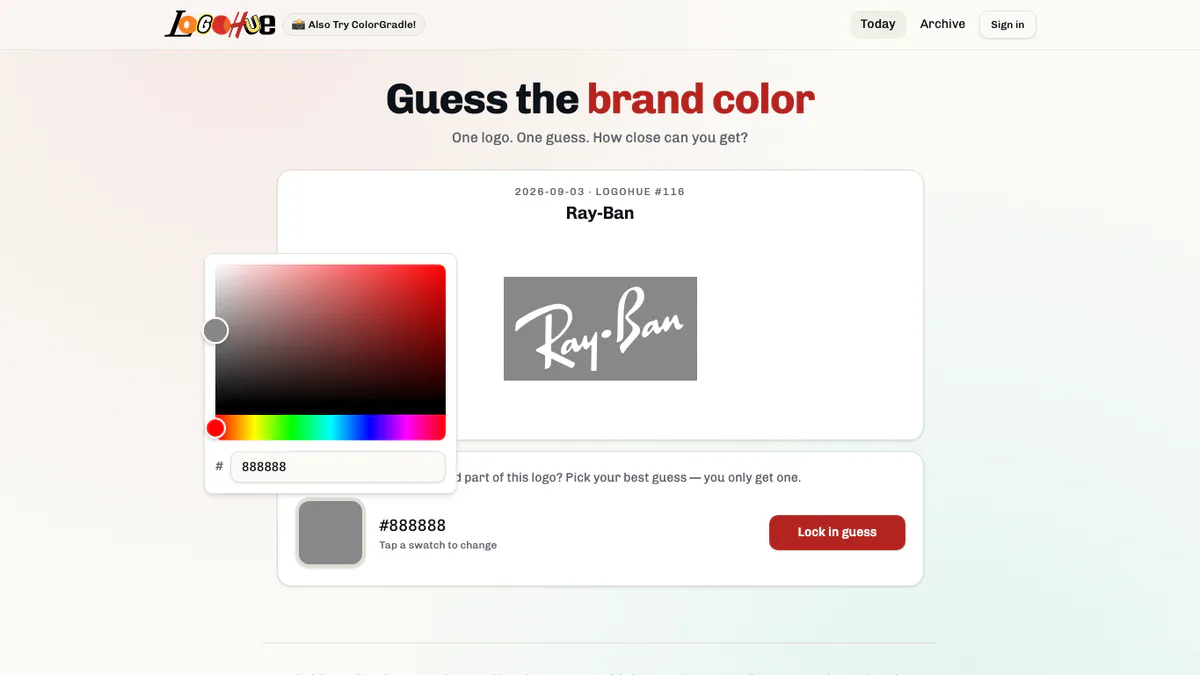
What is Logohue?
Logohue removes the most recognizable part of a brand identity: its color. You still see the logo shape in grayscale, but you must remember the signature shade and rebuild it with a color picker.
There is one logo and one committed guess each day. The format is fast, but the gap between knowing a brand and remembering its precise color can be surprisingly large.
Logohue Game Rules
- A well-known logo appears without its normal color.
- Use the color controls or hexadecimal field to choose the brand shade.
- You may adjust the swatch before submitting.
- Once the guess is locked in, the real color is revealed and your closeness is measured.
- A new logo becomes available with the next daily puzzle.
How To Play Logohue?
- Identify the brand: use the grayscale mark, lettering, and silhouette.
- Recall the campaign color: picture the logo on packaging, an app icon, or a storefront rather than naming a generic color.
- Set the swatch: choose the hue first, then adjust brightness and saturation.
- Check the preview: compare the selected swatch with the visual weight of the grayscale logo.
- Lock it in: submit the day's only guess and compare it with the authentic brand color.
Logohue Strategy & Tips
Think about where the logo usually appears. A color remembered from a glowing screen may need less brightness when represented as a flat swatch. If two shades seem plausible, favor the one that matches the brand's broader identity rather than the prettiest option.