
What is Riffdle?
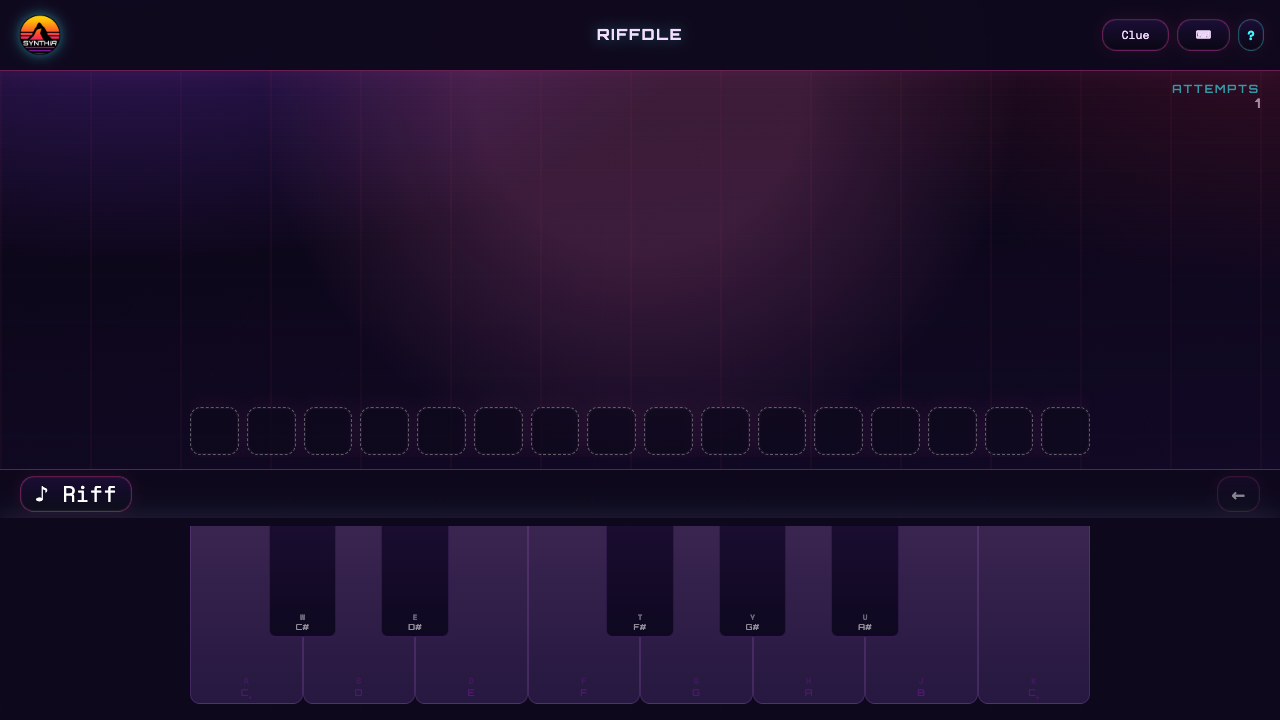
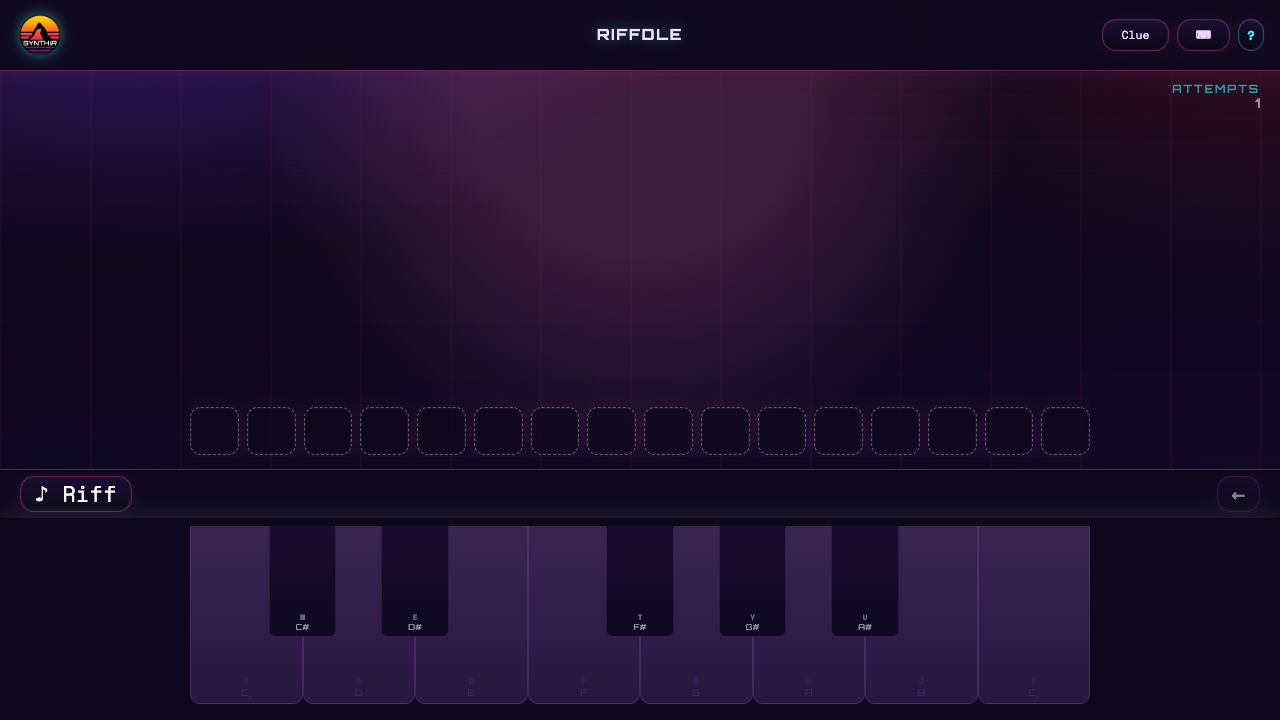
Riffdle is a music puzzle from Synthia that asks you to reproduce a short riff on an on-screen piano. The answer is a sequence of notes, rather than an artist or song title. You listen, enter a candidate melody, and use feedback to improve the next attempt.
Different difficulty levels let you choose how demanding a challenge to attempt. The keyboard can also display computer-key labels, making it possible to work with either pointer controls or the mapped keys.
What the note feedback means
After an attempt, the game distinguishes three results: a correct note in the correct position, a note that belongs in the riff but is placed elsewhere, and a note that is not part of the answer.
That makes both pitch and order important. Hearing the right collection of notes is not sufficient if they are entered in the wrong sequence. Playback lets you compare what you entered with the target, and a Clue control provides help if you get stuck.
How to rebuild the riff
- Select a difficulty and play the target riff.
- Listen for the number of notes, repeated pitches, and the direction of movement between them.
- Enter a complete candidate sequence on the piano and read the attempt's feedback.
- Keep confirmed note positions, move notes marked as misplaced, and reconsider pitches marked incorrect.
- Replay and revise the sequence until it matches, using a clue if needed.
Listening tips for new players
Begin with the melody's contour: does it rise, fall, repeat, or leap between notes? You can often hear that pattern before identifying every exact pitch. Then compare small sections rather than trying to memorize the entire phrase in one pass.
Use the feedback to avoid repeating an unchanged mistake. If a pitch is confirmed in the wrong slot, try it in another plausible position instead of discarding it. The visible piano labels are also a useful reminder to distinguish the displayed computer-key shortcut from the musical note name it plays.