What is Tone Game?
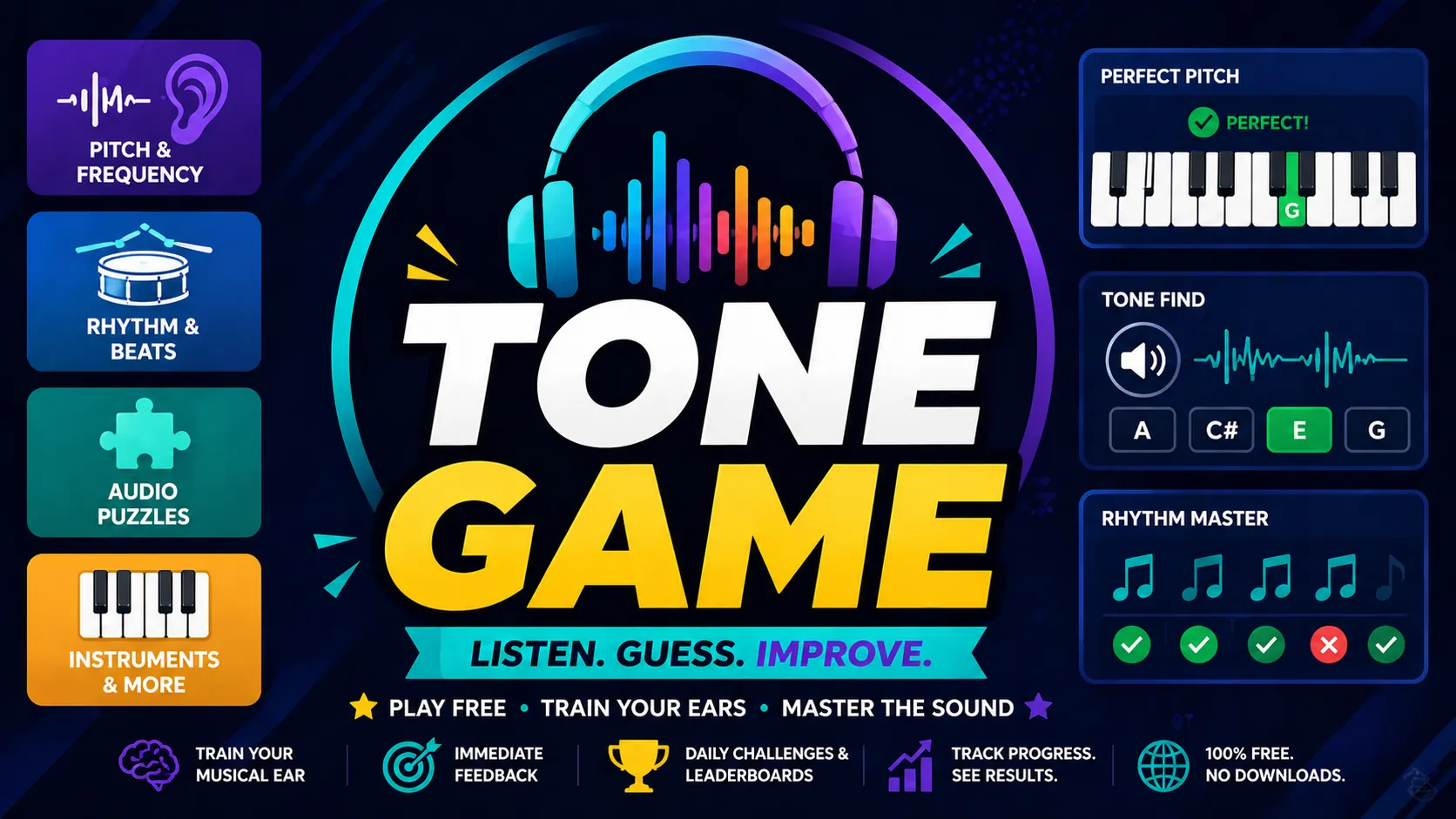
Tone Game is your portal into the Sound Zone — a curated collection of the best free browser-based music and ear training games on the web. From pure tone matching and perfect pitch puzzles to rhythm masters, songdle-style guessing, and virtual instruments, it gathers everything you need to train your ears like a pro.
The twist is the variety: one site delivers dozens of different audio challenges instead of a single mechanic. It's challenging because real musical perception takes practice, and the games here expose your strengths and blind spots fast. Perfect for musicians, producers, singers, or casual listeners who want daily sonic workouts without downloading anything.
Tone Game Game Rules (The Catch / The Trap)
Rules vary by individual game, but the overall philosophy is listen → guess → improve:
- Most games give limited audio plays per round to build memory pressure.
- Feedback is immediate and visual: pitch arrows (⬆️/⬇️), waveform comparisons, color-coded accuracy, or percentage matches.
- Daily modes (where available) lock in one shared puzzle for leaderboards and bragging rights.
- No spamming — precision listening and strategic guessing are rewarded. Wrong answers often eliminate options or narrow ranges.
The trap? Overconfidence in your hearing. Many games reveal how tricky even "simple" tones or rhythms can be.
How To Play Tone Game?
Enter the Sound Zone — Visit tonegame.org and browse the full list or pick a category (Pitch & Frequency, Rhythm & Beats, Audio Puzzles, etc.).
Choose Your Weapon — Click a game like Perfect Pitch Puzzle, Songdle, Tone Find, or Pitchle. First Listen: Hear the target tone, melody, or sound.
Make Your Guess — Use on-screen piano, slider, multiple choice, or input field. Example (Tone Find style): Listen to mystery tone → Select matching option from 4–6 buttons.
Get Feedback & Iterate — See visual/audio hints (e.g., "too low" 🔴, exact match 🟢, rhythm alignment bars). Adjust and try again within attempt limits.
Track Progress — Finish the round, check your score/accuracy, and jump to the next game. Many feature daily resets and leaderboards.
Strategy & Tips
- Start with mid-range pitch games to calibrate your ears before harder challenges.
- Use good headphones or speakers — audio quality matters.
- Mix game types daily: pitch one day, rhythm the next, for well-rounded training.
- Treat misses as data — the games are excellent at showing exactly where your ear needs work.