
What Is Color Match Game?
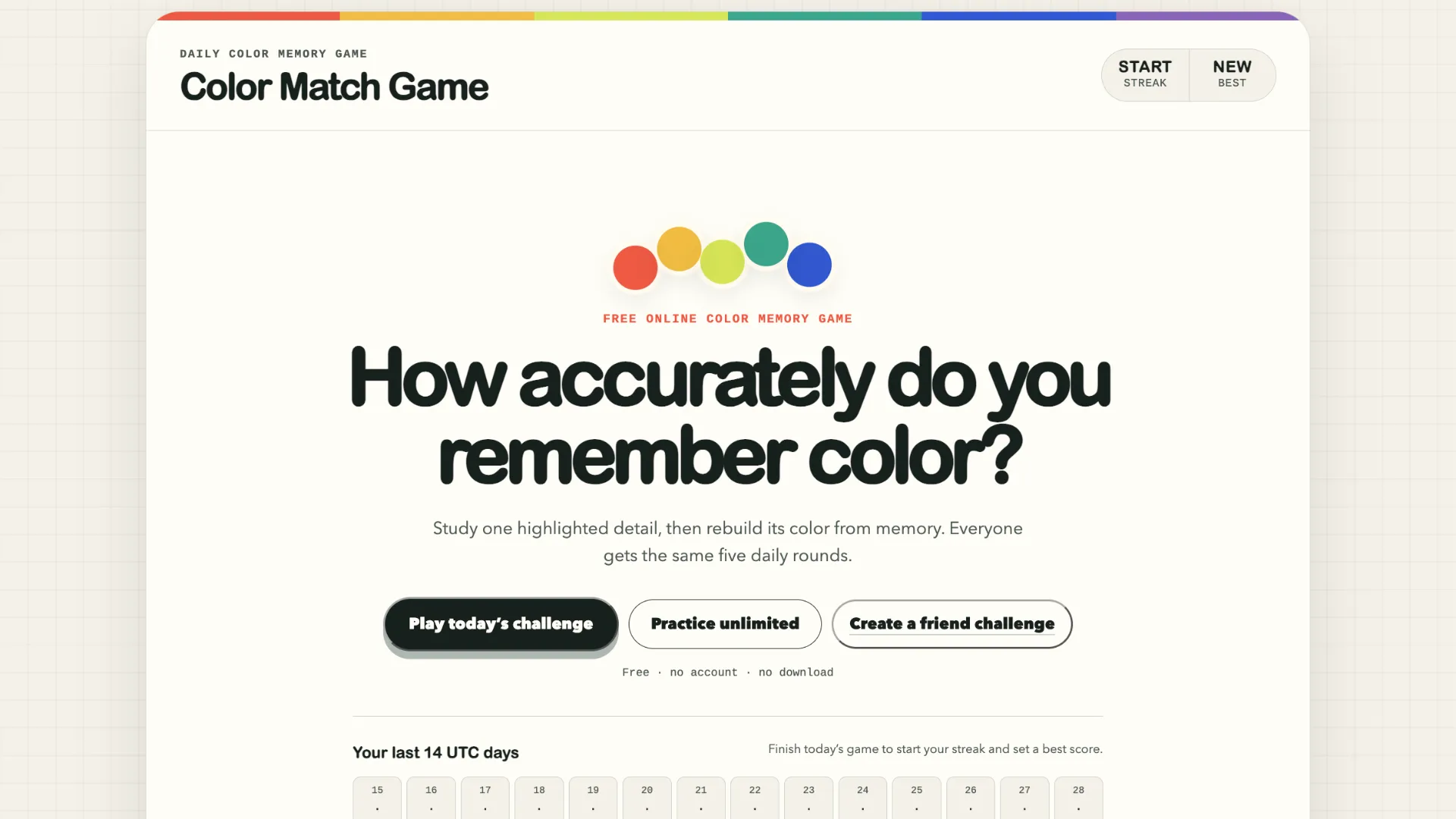
Color Match Game is a free daily browser puzzle about remembering colors rather than simply recognizing them while they remain on screen.
Each round highlights a particular color inside an illustrated scene. You get only a few seconds to study it before the reference disappears. You must then recreate that color from memory using three controls: hue, saturation, and brightness.
A daily challenge contains five rounds, with everyone receiving the same sequence for that UTC day. There is also an unlimited practice mode and private challenges that let friends play the same set of colors.
The game requires no download or account, making it easy to play as a short daily perception puzzle.
The Core Twist: Remember the Color Before It Disappears
The challenge is not simply moving sliders until two visible colors look identical. The target disappears before you start adjusting your answer.
The first round gives you 10 seconds to study the target. Each following round removes one second from the viewing period, so the fifth round leaves only 6 seconds.
After the target disappears, you rebuild it with three properties:
- Hue: The basic color family, such as red, orange, green, blue, or violet.
- Saturation: How vivid or muted the color is.
- Brightness: How light or dark the color appears.
A round therefore looks roughly like this:
Highlighted target color → short countdown → target disappears → adjust H/S/B → submit → target and guess revealed side by side
Your reconstruction receives a score from 0 to 100, with higher scores representing a closer perceptual match. The game compares colors using a perceptual color-difference method rather than simply measuring how far apart the slider numbers are.
How to Play Color Match Game
- Study the highlighted color. Look carefully at the target area while the countdown runs. Try to remember not just whether it is blue or green, but how bright and saturated it appears.
- Wait for the reference to disappear. Once the viewing period ends, you can no longer directly compare your choice with the original color.
- Rebuild the color. Adjust the hue, saturation, and brightness controls until the preview matches what you remember.
- Submit your guess. The original target and your reconstructed color are revealed together, along with your accuracy score.
- Repeat for all five rounds. The viewing time becomes shorter as the daily challenge progresses, and your results combine into the day's performance.
For example, suppose the target looks like a muted turquoise. Instead of trying to remember an exact numerical value, you might mentally store it as:
blue-green → moderately muted → fairly bright
After the color disappears, first move the hue into the blue-green region, then set the brightness, and finally fine-tune the saturation.
How Scoring Works
Color Match Game scores each reconstruction on a 0–100 scale. The comparison is based on perceptual color difference, using CIEDE2000-style color comparison so that the score better reflects how different two colors actually look to human vision.
The game's score ranges can be interpreted roughly as:
- 90–100: Near match
- 70–89: Very similar color neighborhood
- 50–69: Noticeable difference
- 0–49: Significant mismatch or different color family
Your monitor, screen brightness, night mode, color profile, and surrounding lighting can all influence how colors appear, so scores are most comparable when you play under similar display conditions.
Strategy Tips
Remember the color as three separate properties. Instead of trying to memorize one complete visual impression, mentally describe the target's hue, brightness, and saturation independently.
Find the hue first. Decide whether the color belongs closer to red, orange, yellow, green, cyan, blue, or violet. Getting the wrong color family creates a much larger error than a small saturation adjustment.
Set brightness before fine-tuning saturation. Ask whether the target looked pale, medium, or dark. Brightness dramatically changes how a hue feels and is usually easier to remember than exact saturation.
Use saturation for the final adjustment. Once hue and brightness feel correct, decide whether the remembered color was vivid or closer to gray.
Describe the color in words while it is visible. A mental note such as dark muted teal or bright warm orange can be easier to reconstruct than trying to retain the raw visual sensation alone.
Keep your display conditions consistent. Automatic brightness, Night Shift, blue-light filters, or changing ambient light can make the same digital color appear different between rounds.
Use Practice mode to learn your weak point. If your guesses repeatedly have the correct hue but feel too bright or too vivid, focus specifically on brightness or saturation during later games.