
What is Palette?
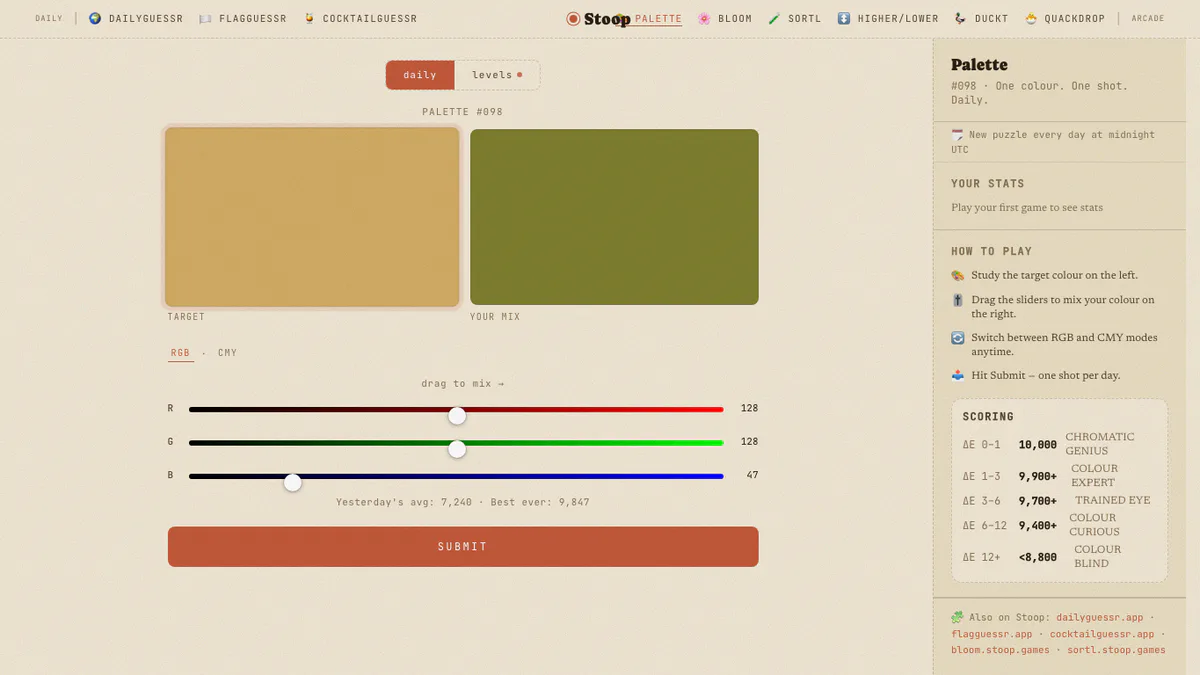
Palette places one target color beside your mix and asks for a single committed match. You can build the shade with additive RGB controls or switch to CMY, depending on which model makes the color easier to understand.
The score uses perceptual distance, so a numerical change matters according to how different it looks to human eyes. That makes Palette less about memorizing values and more about careful comparison.
Palette Game Rules
- Study the target swatch on the left and create your mix on the right.
- Adjust Red, Green, and Blue sliders, or switch to Cyan, Magenta, and Yellow.
- You receive one submitted result for the daily puzzle.
- The smaller the perceptual color difference, the higher the score.
- The daily target resets at midnight UTC.
How To Play Palette?
- Choose a model: use RGB for screen-color intuition or CMY if subtractive mixing feels clearer.
- Match brightness broadly: move all channels into the right overall light or dark range.
- Correct the cast: add or remove the channel responsible for a red, green, blue, cyan, magenta, or yellow bias.
- Compare side by side: focus on the border between Target and Your Mix.
- Submit once: lock the shade and receive the day's perceptual-distance score.
Palette Strategy & Tips
Change one slider at a time near the finish so you can see what it actually improves. If the mix has the right hue but feels dull, increase separation between the strongest and weakest channels. If it is too vivid, bring the channels closer together instead of simply making everything darker.