What is Rotaboxes?
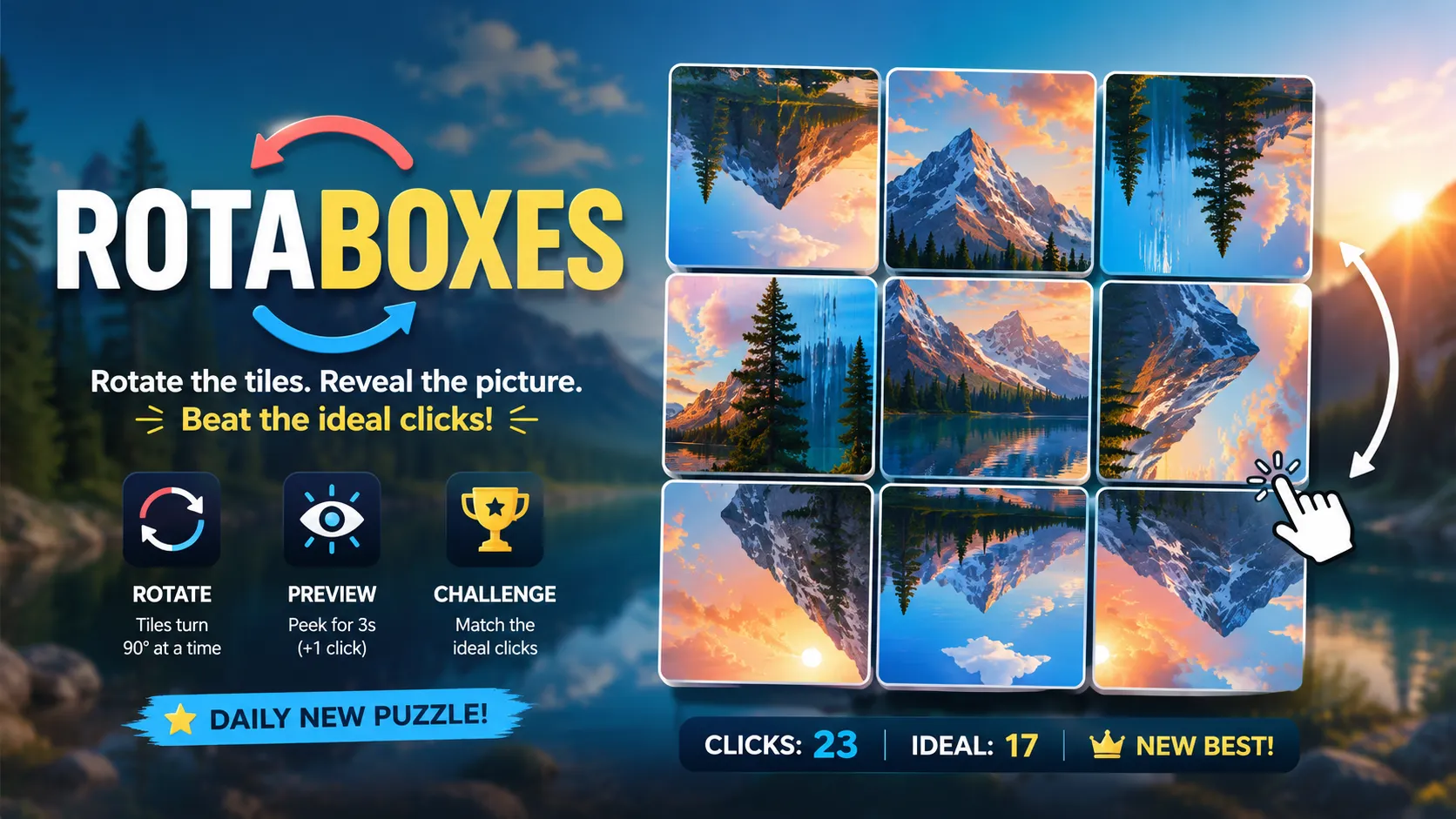
Rotaboxes takes a beautiful photograph, slices it into square tiles, and twists every piece by 90, 180, or 270 degrees. Nothing has been moved—but with horizons standing vertically, branches pointing downward, and patterns suddenly colliding, the picture can look completely shattered.
Your mission is to rotate every tile back to its original orientation. It is calm enough to play as a daily visual break, but the ideal-click target adds a sharper challenge: solving the image is only the first victory; solving it efficiently is the real battle.
Rotaboxes Game Rules (The Catch / The Trap)
- Tiles stay in place: You do not swap or drag squares. Each tile can only rotate.
- Every click turns a tile 90°: Click the right side of a tile to rotate it clockwise or the left side to rotate it counter-clockwise.
- The complete image is your guide: Match lines, textures, shadows, horizons, and neighboring objects across tile borders.
- Click count matters: The game tracks your total clicks and displays an ideal number to chase.
- Preview has a price: You can reveal the completed photograph for three seconds, but using the preview adds one click to your score.
- Victory condition: The puzzle ends when every tile faces the correct direction and the original photograph is restored.
Visual example:
↙️ ⬆️ ↘️ ⬅️ → scattered orientations
⬆️ ⬆️ ⬆️ ⬆️ → tiles aligned into one continuous scene
How To Play Rotaboxes?
Inspect the scrambled photograph
- You see: A grid filled with sideways skies, inverted objects, and broken visual lines.
- You learn: Tiles with obvious subjects—faces, buildings, text, horizons, or trees—are the easiest starting points.
Rotate an obvious tile
- Player Action: Click the left or right side of a sideways sky tile.
- Game Response: The square rotates exactly 90 degrees.
- Next Clue: The sky now appears above the landscape, confirming its likely orientation.
Follow the borders
- Player Action: Rotate the neighboring tile until a road, branch, shoreline, or color gradient continues smoothly across the edge.
- Result: Two separate squares begin forming one recognizable section of the photograph.
- What This Means: Connected details can now guide the surrounding tiles.
Resolve the ambiguous tiles
- Player Action: Compare textures and shadows, or briefly use the preview when the remaining pieces look too similar.
- Game Response: The preview shows the finished image for three seconds and adds one click.
- Next Constraint: Memorize the uncertain tile orientations before the scrambled view returns.
Complete the picture
- Player Action: Rotate the final incorrect square into place.
- Result: The full photograph locks together and your click total can be compared with the ideal score.
Rotaboxes Strategy & Tips
Start with tiles containing strong orientation clues such as people, animals, buildings, readable signs, horizons, or hanging objects. These pieces create reliable anchors for the rest of the grid.
Next, work outward using border continuity. A curved road, tree branch, cloud bank, staircase, or band of light often crosses several tiles and can reveal an entire chain of correct rotations.
Use clockwise and counter-clockwise controls deliberately. A tile that needs one counter-clockwise turn should not require three clockwise clicks; choosing the shorter direction is essential when chasing the ideal score.
Save the preview for genuine deadlocks. It is useful when the image contains repetitive water, fur, leaves, sand, or abstract textures, but every preview increases your recorded click count.