
What Is WotsThat?
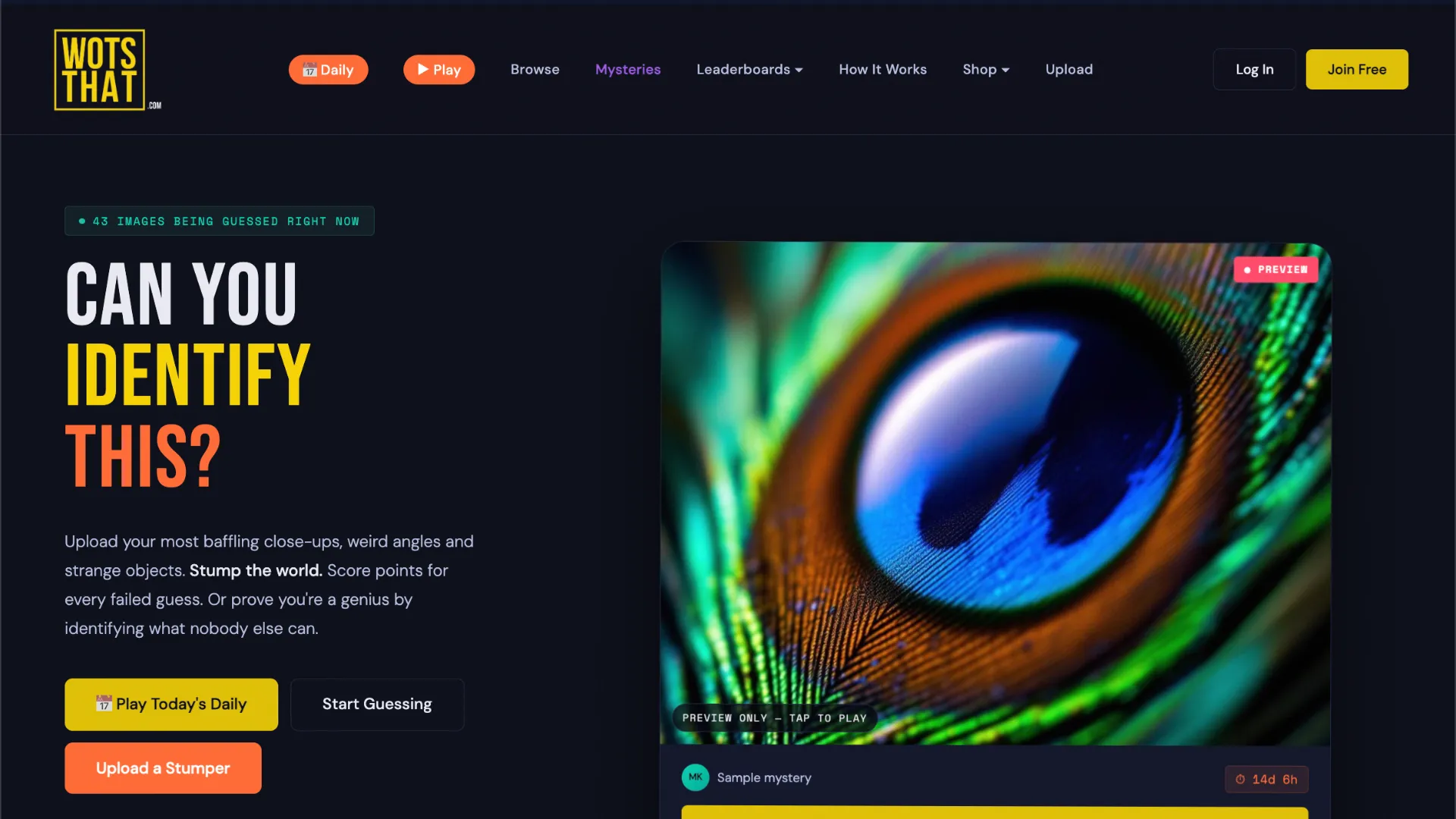
WotsThat is a visual guessing game built around deceptively difficult photographs. Instead of identifying a word, country, movie, or song, you are shown a close-up, unusual angle, or tightly cropped image and have to work out what the real object is.
The main Daily mode gives everyone the same picture, making it easy to compare solving times with other players. Beyond the daily challenge, WotsThat has a larger collection of player-uploaded puzzles, so you can keep guessing after the daily image is finished.
A typical puzzle might turn something familiar into an abstract-looking image:
- the grooves of a vinyl record photographed at macro scale
- the fibers of steel wool filling the entire frame
- strawberry seeds seen extremely close
- the filament inside a light bulb
- the texture of bread crust or orange peel
The challenge is not simply knowing obscure objects. It is recognizing familiar materials, shapes, and textures when the normal context has been removed.
The Core Twist
WotsThat has two sides: solving pictures and creating pictures that stump other players.
When solving, you reveal the mystery photograph and type what you think it shows. The picture stays the same rather than gradually revealing more of the scene. You can make additional guesses if your first answer is wrong, and close answers or minor spelling mistakes may still be accepted.
Community puzzles add a competitive twist. Players can upload their own baffling photographs with the correct answer and an optional hint. Every wrong guess made on an uploaded picture can earn the uploader a point, giving players an incentive to find images that are difficult without being impossible.
Correct solves, stumping other players, and other activity contribute to WotsThat's leaderboards. Some unsolved community pictures remain active until somebody identifies them correctly.
How to Play WotsThat
- Choose a puzzle. Start with the Daily for the shared challenge or browse active community-uploaded pictures.
- Reveal and study the image. Look closely at its texture, material, edges, reflections, scale clues, and repeating patterns. The photograph itself does not progressively change after being revealed.
- Type your guess. Enter the object or subject you believe is shown. If the guess is wrong, reconsider the visual clues and try another answer.
- Keep guessing or give up. Community puzzles allow multiple attempts at a sensible pace. If you cannot solve one, you can give up to see the answer and accompanying information.
- Try the other side of the game. With an account, upload your own close-up or unusual-angle photograph and see how many players it can fool.
For example, imagine the entire screen is filled with a dark surface covered in extremely thin parallel lines. Instead of searching for an exotic object, consider familiar things that contain repeating grooves: a record, machined metal, fabric, or another textured surface. WotsThat rewards this kind of visual reframing.
WotsThat Strategy Tips
Identify the material before the object. Decide whether you are looking at metal, fabric, skin, stone, food, plastic, plant material, or something else. Eliminating whole categories is often easier than immediately naming the object.
Ignore apparent scale. Macro photography can make something only a few millimeters wide look enormous. A landscape-like surface may actually be part of an everyday household object.
Look for manufactured patterns. Perfectly spaced lines, repeated dots, sharp edges, and symmetrical shapes often point toward technology or manufactured objects rather than something natural.
Use imperfections as clues. Crumbs, scratches, fibers, pores, seeds, hairs, and tiny surface variations can reveal what material you are seeing.
Try the ordinary answer first. Much of the fun comes from common objects becoming unrecognizable when photographed out of context. An image that looks alien may turn out to be something sitting in your kitchen or desk drawer.
Think like an uploader. Ask what familiar object would become misleading from this particular crop or angle. That perspective can be more useful than trying to interpret the image literally.