
What Is Hued?
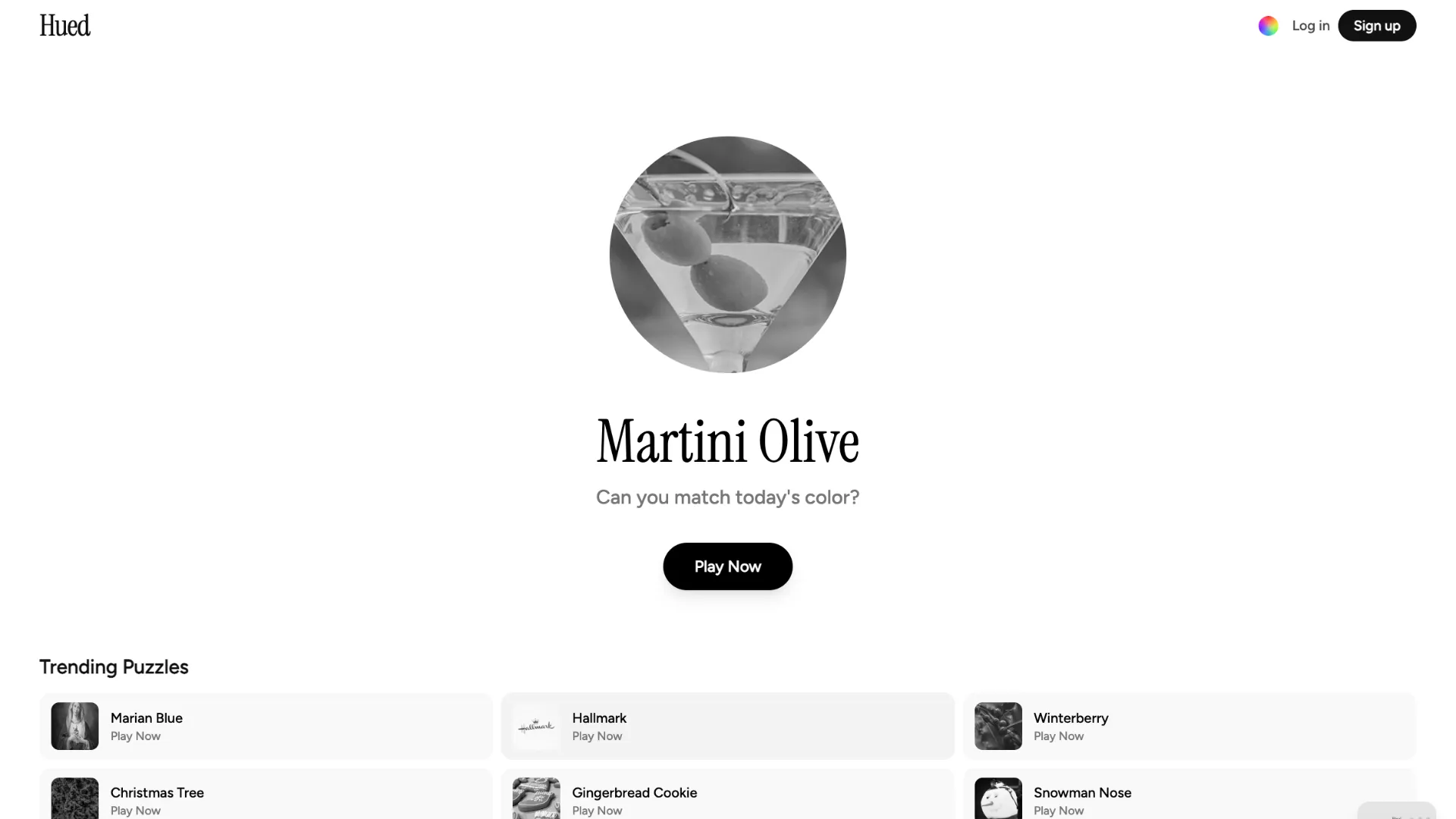
Hued is a daily browser game built around one deceptively simple question: what does a particular color actually look like?
Each puzzle gives you a named color or recognizable reference, such as a brand, object, character, food, or familiar shade. Instead of choosing from multiple answers, you create your own color and try to match the hidden target.
You only get three guesses, so the challenge is not just recognizing whether something should be blue, green, or yellow. You need to judge the exact hue and how vivid or muted that color should be.
After submitting a guess, Hued scores how closely your color matches the target. That feedback gives you a chance to make a more precise second or third attempt.
The Core Twist
Hued is less about memorizing color codes and more about your visual intuition.
The main color control changes two important properties:
- Horizontal movement adjusts hue, moving through different parts of the color spectrum.
- Vertical movement adjusts saturation, changing how vivid or muted the shade appears.
The game's lightness is fixed for the puzzle, reducing the number of possible colors and keeping the challenge focused on hue and saturation.
There is also a Fine-Tune Mode for making smaller adjustments when your color is already close to the target.
For example, if the day's clue were Kermit, simply choosing green would not be enough. You would need to decide whether the correct green is more yellow or blue and whether it should be bright, muted, or somewhere between the two.
How to Play Hued
- Read the day's color clue. Use your memory of the named object, character, brand, or shade to picture the target color.
- Adjust your color. Move horizontally to change the hue and vertically to change its saturation until the displayed circle looks right.
- Submit your first guess. Hued compares your chosen shade with the target and gives you a similarity score.
- Refine your color. Use the score and what you learned from the first attempt. Fine-Tune Mode can help when only a small adjustment is needed.
- Make your final guesses. You have three attempts in total to get as close to the target as possible, after which you can compare your result with the actual color.
Example Round
Imagine the clue is Taxi! and you picture the classic bright yellow associated with a taxi.
You might begin with a yellow that looks slightly orange and very saturated. After submitting it, your score shows that you are reasonably close but not quite there. On the next attempt, you could shift the hue a little toward a cleaner yellow and slightly reduce the saturation. If the second score improves, use your final guess for a small Fine-Tune adjustment rather than making a dramatic change.
This feedback loop is what makes Hued feel more like a puzzle than a simple color picker.
Tips for Better Hued Scores
- Get the color family right first. A slightly imperfect green usually performs better than carefully tuning a shade that belongs in the wrong part of the spectrum.
- Think about saturation separately from hue. If the color feels too neon or too grey, changing saturation may help more than changing the hue.
- Make larger changes early. Use your first guess to establish the general area, then make increasingly smaller corrections.
- Use Fine-Tune Mode near the target. It is useful when broad movements would overshoot the shade you are trying to reach.
- Trust familiar references. Hued often uses recognizable real-world colors, so remembering how the object or character actually looks can be more useful than trying to name the shade.
Is Hued a Daily Game?
Yes. Hued is designed around a daily color challenge with three guesses. The short format makes it easy to play in a few minutes, while the scoring gives you something concrete to compare and improve over time.