What is Jigsaw Explorer?
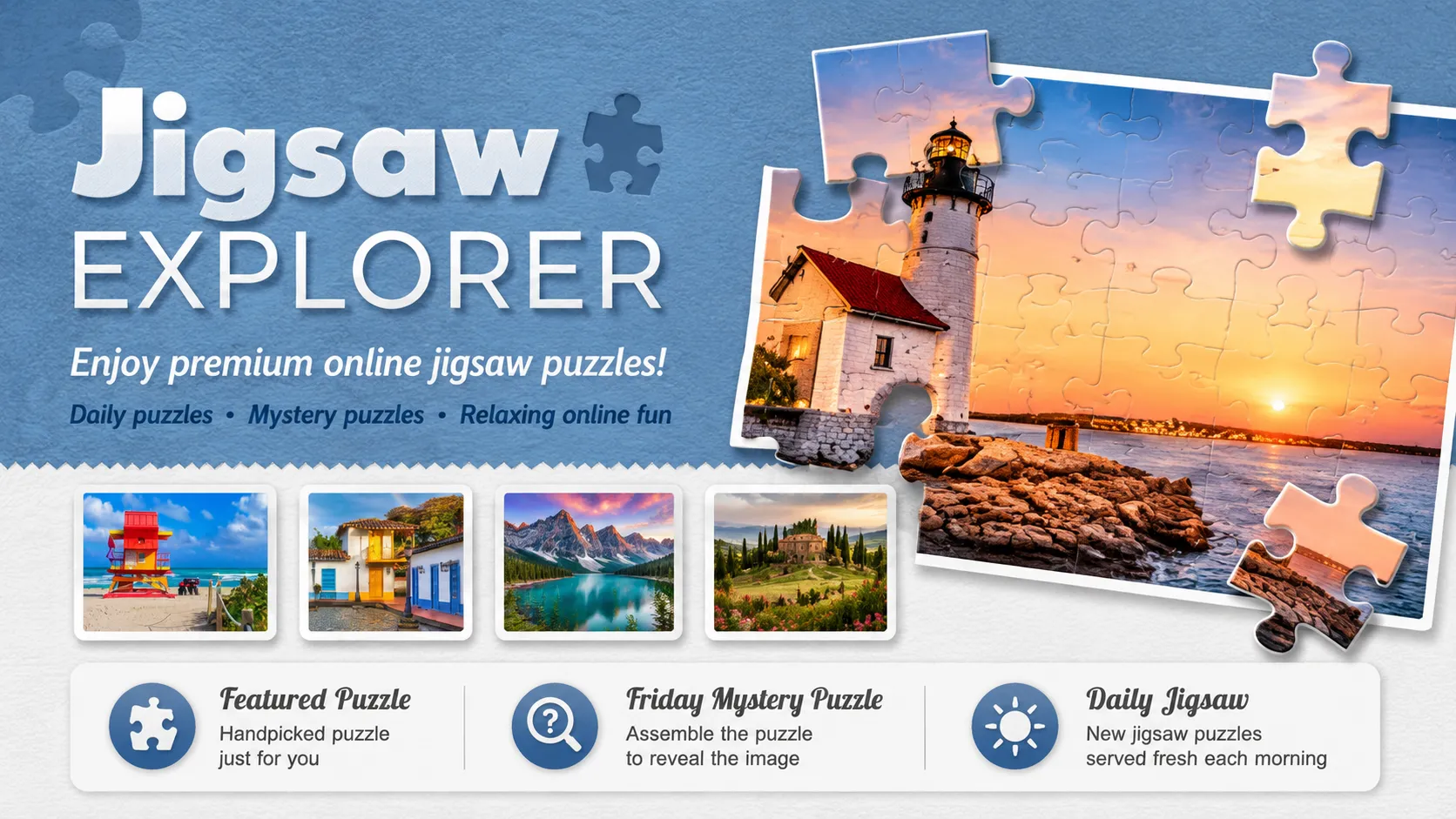
Jigsaw Explorer turns the familiar tabletop puzzle into a clean browser challenge with no lost pieces hiding beneath the furniture. Pick an image, choose your preferred number of pieces, and rebuild the scene one shape, color, and suspicious patch of blue sky at a time.
The platform offers a large collection of family-friendly puzzles with new additions every day. It also includes Friday Mystery Puzzles that reveal only part of the finished image beforehand, custom photo puzzles, and multiplayer sessions where several people can work on the same board in real time.
Jigsaw Explorer Game Rules (The Catch / The Trap)
Your goal is simple: connect every scattered piece until the original image is complete.
SCATTERED PIECES → BORDER → COLOR GROUPS → COMPLETE IMAGE
- Choose the difficulty: Select from a range of available piece counts before beginning.
- Move the pieces: Drag each fragment around the play area and align it with matching shapes and image details.
- Build connected sections: Correctly joined pieces form larger parts of the picture that can be positioned together.
- Use optional rotation: Rotation can be enabled for a tougher puzzle; pieces can then face the wrong direction as well as occupy the wrong location.
- Filter the battlefield: The edge-only control temporarily hides interior pieces so you can construct the border first.
- Pause or return later: The timer can be paused, and recent unfinished puzzles may be saved in the browser.
There are no lives to lose and no incorrect guess that ELIMINATES you. The trap is the difficulty you choose for yourself: more pieces, rotation, repeated textures, and large areas of sky or water can transform a peaceful picture into a full-scale search operation.
In a Mystery Puzzle, even the final subject is partly concealed. The preview shows only a section of the complete picture, so you MUST assemble it to discover what you are actually building.
How To Play Jigsaw Explorer?
Choose the picture.
Player Selects: a daily mountain-lake puzzle with a medium piece count.
Game Response: the completed image breaks apart and the timer begins.Secure the perimeter.
Activate Edge Pieces Only and locate the four corners.
What You Learn: blue pieces probably belong to the sky, while dark green edges frame the forest.Create visual islands.
Player Builds:SKY ☁️ | MOUNTAIN ⛰️ | WATER 🌊
Matching fragments gradually become larger connected sections instead of isolated pieces.Release the interior pieces.
Restore the full board and place each color cluster inside the completed border. Use the capture-and-release tool when several loose pieces need to be moved away from the main picture.Close the final gaps.
Compare shapes, texture lines, and tiny color transitions until the last loose fragment completes the image.
Jigsaw Explorer Strategy & Tips
Begin with corners and edges, but do not stare at the border forever. Once its position is clear, sort interior pieces into recognizable groups such as faces, lettering, buildings, foliage, sky, or water.
Use distinctive objects before repetitive backgrounds. A red door or animal eye may anchor an entire region, while twenty nearly identical cloud pieces can wait until the surrounding sections reduce their possible positions.
For cooperative play, create a multiplayer game and share its link with friends. Everyone can work on the same puzzle while watching the other players move pieces in real time.